 Scrollie
StitchPics / 长图拼接 alternative — after the collage
Last updated: 21 July 2026
StitchPics — known as 长图拼接 in the Chinese App Store — has over 61,000 CN reviews and a 4.88 rating. Its description lists a full toolkit: smart stitching, scrollshot recording, template collages, annotations, mosaic, custom watermarks, device frames. Anyone claiming "collage" is a Scrollie exclusive vs StitchPics would be wrong, and this page will not. What Scrollie can honestly claim is the layer after that flow — drafts that persist, photos that auto-group themselves, a Cleanup brush that erases what you'd rather not share, and the PDF export.
The short answer: Same stitch, same template collage, same annotations and device frames. Specifically Scrollie versus StitchPics's description: auto-saved Drafts inbox (portrait & landscape separate), auto-group photos by capture time / place / content, Cleanup brush, auto tiled text watermark detection, overscroll-back handling, PDF and HEIC export, and URL Scheme / Shortcuts.
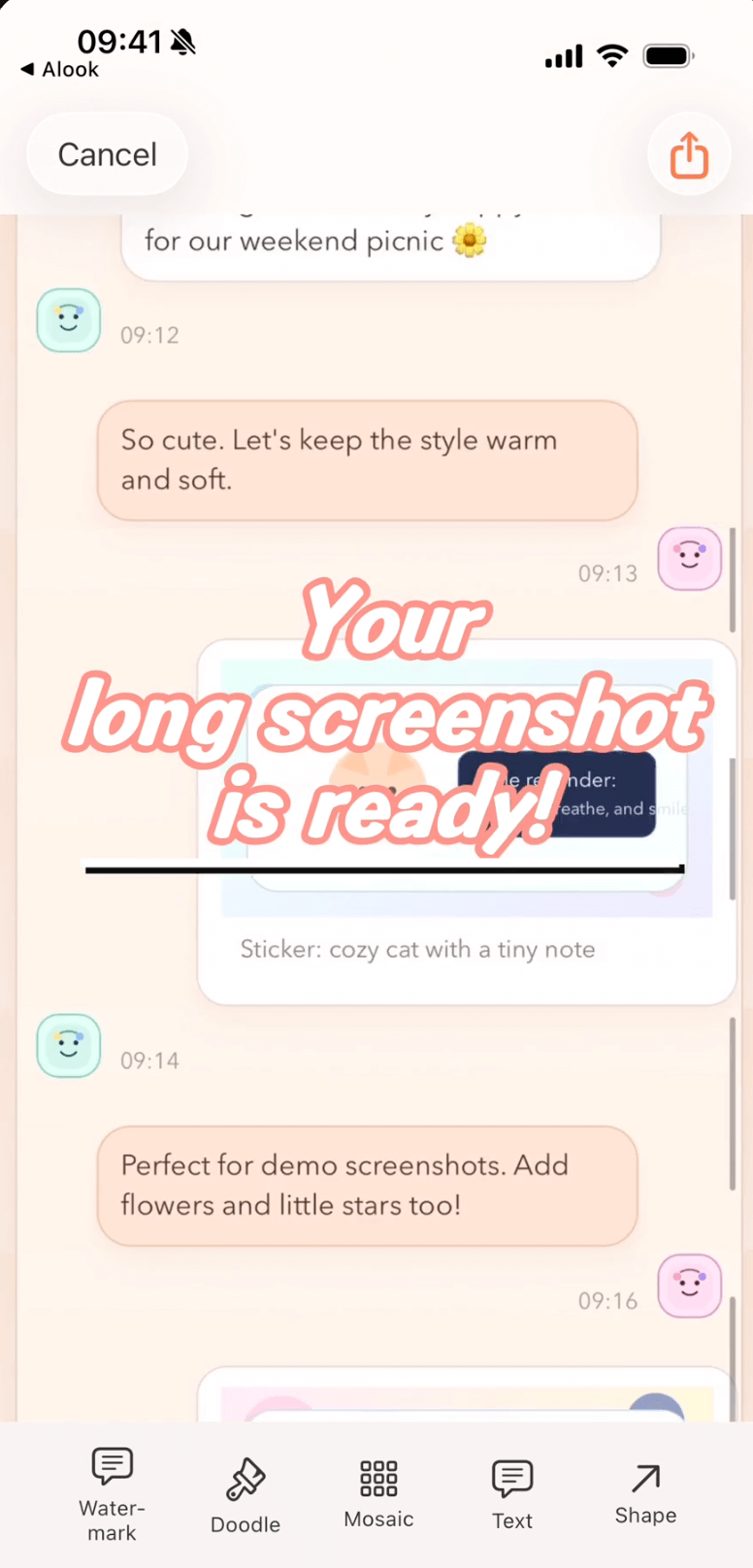
One draft holds the stitch, the collage cells, the Cleanup strokes and the export preset.
What StitchPics does — and Scrollie does too
Scrollie matches StitchPics on every core capability:
- Multi-screenshot stitching, auto and manual
- Screen recording → long screenshot (滚动截屏)
- Template collages, vertical stacks and horizontal grids
- Device frames / 带壳截图
- Annotations, mosaic, custom watermarks, torn-edge effects
- Single-photo editing
- Everything on-device
If your workflow ends there, StitchPics is a well-loved tool. Try Scrollie alongside it for the layer that shows up when it doesn't.
Where Scrollie's App Store description goes further
| Capability | Scrollie | StitchPics (as listed on the App Store) |
|---|---|---|
| Drafts inbox, auto-saved | ✓ Portrait & landscape stored separately | — Not listed |
| Auto-group photos into collages by trip | ✓ By capture time, place, content | — Template collage listed, but not auto-grouping |
| Cleanup brush (paint over object / watermark) | ✓ Background fills in | — Not listed |
| Auto detect & erase tiled text watermarks | ✓ Preserves content underneath | — Not listed |
| Overscroll-back handling in screen recording | ✓ Ends on the frame where you stopped | — Not listed |
| PDF export | ✓ | — Not listed |
| HEIC export | ✓ Alongside JPEG / PNG / PDF / slices | — Not listed |
| URL Scheme & Shortcuts | ✓ Open latest screenshot / recording | — Not listed |
| Template collage (2–12 photos) | ✓ Per-cell editing | ✓ 模版拼图 (StitchPics's strength) |
| Device frames | ✓ iPhone 17 series colors | ✓ 带壳截图 (models not specified) |
Source: StitchPics / 长图拼接's App Store description as of 2026-07-21. "Not listed" means StitchPics's official copy does not advertise that capability.
Drafts — the thing that shows up when the day gets long
StitchPics hands you the result the moment it's done. Ideal when it is, less so when it isn't — you started a 6-photo trip collage, someone called, and you're not sure the flow will remember your cell layout and the mosaic on cell #3. In Scrollie the answer is always yes: the moment you touch a cell it's a draft. Portrait and landscape drafts live in separate lanes. Of eleven competitors we checked, only one mentioned "auto-save" — meaning saving finished images to the photo library.
Auto-grouping — what changes for trip photos
StitchPics has 模版拼图 — pick photos, drop them into a template. Scrollie does the same, and goes one step earlier: give it a batch from a trip and it auto-groups them into collages by capture time, place and content. You get a set of already-composed collages, each still fully editable per cell. If you don't feel like laying out five template collages by hand, this is the difference.
Cleanup brush and auto watermark removal
StitchPics lists 自定义水印 (adding a custom watermark) and 马赛克 (mosaic). Scrollie also lets you remove:
- Cleanup brush — paint over any object, watermark or text; the area fills to match the surrounding background.
- Auto watermark removal — detect tiled text watermarks in one tap. Version 2.0 erases only the watermark strokes, preserving the content underneath.
When StitchPics is still the better choice: if your use case is primarily template collage and you rely on its Chinese-market interface, its 61,000+ CN reviews at 4.88 are serious credibility. Its 带壳截图 and 模版拼图 are established strengths, and the huge review base means edge-case bugs have been surfaced.
Reach for Scrollie when the workflow moves past the finished collage — the edit needs to survive an interrupted afternoon, trip photos should auto-group, the long image needs a Cleanup pass, or you want a PDF at the end.
Trying Scrollie alongside StitchPics: a 5-minute walk-through
- Install Scrollie from the App Store. Keep StitchPics installed.
- Pick 10–20 photos from a recent trip. Let auto-grouping split them into template collages.
- Edit one cell — rotate, mosaic a face, brush over an unwanted object. Close the app.
- Re-open Scrollie. Your draft is right there.
- Take a scroll recording (overshoot and swipe back). Turn it into a long image; verify the tail.
- Export as PDF or HEIC — outputs StitchPics's description doesn't list.
Frequently asked questions
How is Scrollie different from StitchPics / 长图拼接?
StitchPics is the reigning stitch-and-collage app in the Chinese App Store (60,000+ CN reviews) with a native template-collage feature. Scrollie matches the stitch, template collage, device frames and annotation tools, and adds what StitchPics's description does not list: an auto-saved Drafts inbox (portrait & landscape separate), auto-grouping of photos by capture time and place, a Cleanup brush, auto detection of tiled text watermarks, PDF export, HEIC export and URL Scheme.
Does Scrollie do template collages like StitchPics?
Yes. Scrollie's Collage view arranges 2–12 photos with templates, ratios, borders and backgrounds. Each cell can be reframed, rotated, flipped, and edited with doodle, text, stickers, mosaic, cleanup brush or watermark. Scrollie can also auto-group a batch of photos into collages by capture time, place and content — StitchPics advertises 模版拼图 but not auto-grouping.
What about screen recording — does Scrollie handle overscroll?
Yes. Import a scroll recording and Scrollie turns it into one long image. If you overscrolled and swiped back, the final image ends on the frame where you actually stopped, so there's no doubled content at the bottom. StitchPics lists 滚动截屏 but does not describe overscroll-back handling.
Does Scrollie export PDF and HEIC?
Yes. Scrollie exports JPEG, PNG, HEIC and PDF, plus per-ratio slices where each slice can be wrapped in its own iPhone frame. StitchPics's App Store description does not currently list PDF or HEIC export.
Is Scrollie free?
Yes, core features are free. Pro features come with a free trial, then a monthly or annual subscription or a one-time lifetime purchase — prices are shown in the app before purchase.
Related pages
Same collage. Add drafts, auto-grouping and Cleanup.
Core features free. Pro comes with a free trial, then a subscription or a one-time lifetime purchase.
Download Free on the App StoreiPhone & iPad · iOS 16 or later · 100% on-device